

Hey, have you ever noticed weird dark spots, bright patches, or rainbow-like lines on your laptop screen or display after something pressed on it? That's exactly what people mean when they talk about lcd screen pressure marks (also called pressure damage or pressure spots on LCD). I've seen it happen way too many times - someone sets a book on a closed laptop, or a heavy tool bag squishes the screen during shipping, and suddenly there's this permanent ghost of the damage staring back at you.
Unlike temporary ghosting or stuck pixels, lcd screen pressure marks are usually physical damage to the delicate layers inside the LCD. The liquid crystals get squished out of alignment, and the polarizer or diffuser film can get deformed. It's super common on laptops, monitors, industrial HMIs, and small embedded screens. In this guide I'll walk you through what lcd screen pressure marks really are, why they show up, whether you can actually fix them, and - most importantly - how to prevent them so you don't have to deal with ugly spots ruining your display.
What Exactly Are LCD Screen Pressure Marks?
LCD screen pressure marks are those visible dark or bright areas, circular spots, lines, or rainbow patterns that appear on the screen after physical pressure has been applied. Unlike regular dead pixels (single points that stay black or white), lcd screen pressure marks affect a bigger area because the pressure actually crushes the liquid crystal layer or distorts the films behind the glass.
You'll spot them as:
Dark circular or oval shadows (like a fingerprint or palm print)
Bright white or yellowish patches
Rainbow-colored interference rings (Newton rings)
Vertical or horizontal bands that don't go away when the image changes
The key thing is they're visible even when the screen is off or showing a plain color. That's how you know it's real lcd screen pressure marks damage and not just temporary ghosting. On laptops it's often in the center or bottom where the keyboard presses when closed. On industrial panels or embedded lcd modules it usually shows up near mounting screws or edges where the bezel pushes too hard.
What Causes LCD Screen Pressure Marks? The Real Culprits
The main reason for lcd screen pressure marks is simple but brutal: something physically squeezes the delicate sandwich of glass, liquid crystals, and films inside the panel. Once those layers are deformed, the liquid crystals can't line up properly anymore, and light passes through differently, creating the visible mark.
Everyday causes I see all the time:
- Closing a laptop with stuff on the keyboard (pens, cables, even thick screen protectors)
- Putting heavy books, phones, or bags on a closed laptop lid
- Tight packing during shipping or travel - the screen gets crushed against the keyboard
- Over-tightening mounting screws on industrial or embedded panels (super common in HMI installations)
- Pressing too hard while cleaning with a cloth or using the wrong tools
Industrial and small embedded lcd modules are especially prone because they're often mounted in tight enclosures with metal frames that can flex and press on the glass. One wrong screw torque and you get permanent lcd screen pressure marks along the edges. I've had clients replace entire batches because the installer didn't use a torque driver.
Can You Fix LCD Screen Pressure Marks Once They Appear?
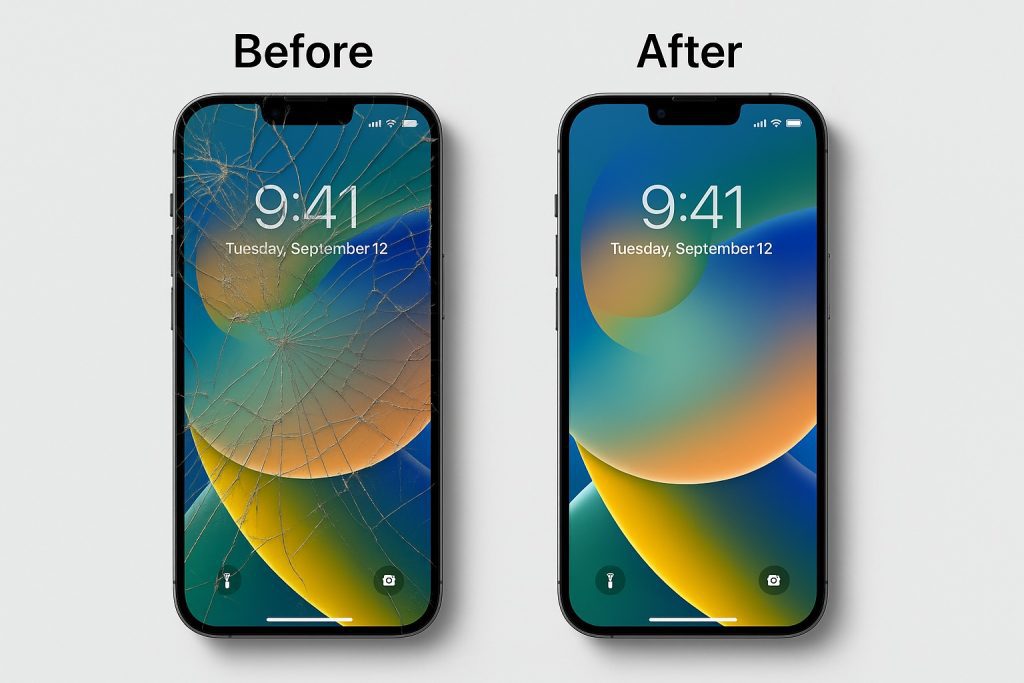
Here's the honest truth most people don't want to hear: most lcd screen pressure marks are permanent. The damage is physical - the liquid crystal layer or polarizer film is actually crushed or stretched, and no software trick or magic cloth is going to un-crush it.
What people try (and what usually fails):
- Gentle massage or warm compress - sometimes helps very fresh, super-light marks by letting crystals shift a tiny bit, but it rarely works and can make it worse.
- Suction cups or pressing from the back - almost always makes the lcd screen pressure marks bigger.
- Special repair kits or pixel-fixing software - those are for stuck pixels, not pressure damage.
In 95% of cases the only real fix is replacing the entire LCD panel. For laptops that means a new screen assembly (often $150–400+). For industrial or custom embedded modules it's even more expensive because you might need to redo the whole bezel mounting. If the marks are tiny and only visible on certain backgrounds, some people just learn to live with them - but for professional or 24/7 use, replacement is usually the way to go.
How to Prevent LCD Screen Pressure Marks – The Stuff That Actually Works
Prevention is way easier (and cheaper) than trying to fix lcd screen pressure marks after they show up. Here are the habits and tricks that keep screens clean for years:
For laptops and everyday use:
- Always check the keyboard area before closing the lid - no pens, cables, or thick protectors
- Use a proper laptop sleeve or case with extra padding when traveling
- Never stack heavy stuff on a closed laptop
For industrial, embedded, and custom projects:
- Design mounting with floating gaskets or rubber bumpers so the bezel never touches the glass directly
- Use a torque screwdriver and follow the manufacturer's spec (usually under 0.5 Nm for small modules)
- Add foam or sponge padding between the enclosure and screen during shipping and installation
- Choose lcd modules with reinforced glass or thicker polarizer layers when possible
One simple change I recommend to every client: build a quick "screen protection checklist" into your assembly process. It takes two minutes and saves thousands in replacements.
Special Tips for Embedded and Industrial LCD Modules
Small embedded lcd modules and industrial control panels take a beating during installation and daily use, so lcd screen pressure marks show up more often here than on consumer laptops. The thin glass, tight mounting spaces, and constant vibration make them vulnerable.
Key things to watch:
- Over-torqued screws are the #1 killer - always use torque-limited tools
- Metal enclosures can flex and press on the panel edges when the machine heats up or vibrates
- Shipping without proper vertical packing and foam protection almost guarantees edge marks
When choosing or designing lcd screen modules for these environments, look for:
- Panels with metal reinforcement frames
- Industrial-grade modules rated for higher mechanical stress
- Options with built-in buffer layers or Gorilla Glass-style protection
I've seen projects go from constant returns to zero complaints just by switching to a properly mounted reinforced lcd module and adding simple rubber gaskets.
Common Questions About LCD Screen Pressure Marks (FAQ)
People ask me the same things all the time, so here are the quick answers:
- Do lcd screen pressure marks ever go away on their own?
Almost never - if it's real pressure damage it's permanent.
- Is it covered under warranty?
Usually not - manufacturers call it "physical damage" and exclude it.
- Can I hide the marks somehow?
Sometimes a screen protector or changing background helps a tiny bit, but it doesn't fix the issue.
- How do I tell if it's pressure marks or something else?
Pressure marks stay visible even when the screen is off or shows solid colors, and they don't flicker like dead pixels.
- What's the best way to avoid them in bulk production?
Proper mounting design, torque control, and reinforced modules from the start.
Wrapping Up: Protect Your Screens Before the Damage Happens
LCD screen pressure marks are one of those frustrating problems that's almost always avoidable. Once the liquid crystals or films are crushed, there's no easy fix - you're usually looking at a panel replacement. The real solution is prevention from day one: careful handling, smart mounting, proper torque, and choosing the right lcd module for your application.
If you're building anything that needs to last - whether it's a laptop, industrial HMI, kiosk, or custom embedded device - taking lcd screen pressure marks seriously in the design stage will save you a ton of time, money, and customer complaints later.
Why Minghua Is the Go-To for Custom LCD Solutions That Resist Pressure Damage
If you're tired of dealing with lcd screen pressure marks on your current screens, or you want a panel built from the ground up to handle real-world mounting stress and industrial environments, Minghua is here to help. We specialize in custom LCD business and have been working with engineers and manufacturers for years to create displays that stay clear and strong under pressure.


We can customize everything - thicker protective glass, reinforced frames, built-in buffer layers, exact mounting hole placement, and even torque recommendations for your specific enclosure. Whether you need a few prototypes or full production runs, we deliver fast samples and real engineering support that actually solves your mechanical stress problems.
Stop fighting lcd screen pressure marks after they appear. Let's design a custom LCD module that's tough enough to handle your application from the start. Drop us your project details and we'll build you a screen that stays perfect - no marks, no headaches, just reliable performance.
Ready to get your screens protected the right way? Reach out today - we're here to make your next LCD project bulletproof.


