

Hey there! If you've ever wondered how your laptop, TV, or monitor actually glows, you're in the right place. LCD screens don't produce light on their own - they need a backlight to shine through the liquid crystals and create the picture you see. Over the years, backlight tech has evolved a ton, and today there are four main ways LCDs light up.
Let's break them down in plain English - no jargon overload, promise.
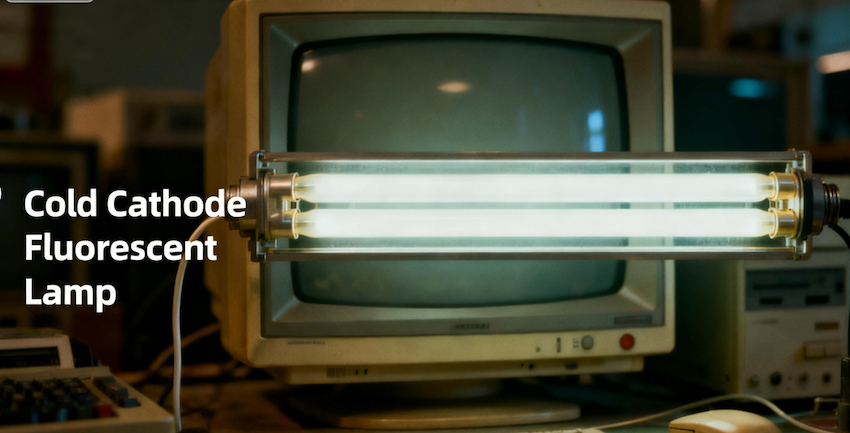
1. CCFL (Cold Cathode Fluorescent Lamp) – The Old-School Glow
What it is: Think of those long, skinny fluorescent tubes like the ones in old office lights. That's CCFL.
How it works: Electricity excites gas inside the tube, making it glow white.
Pros:
Super cheap to make
Was standard in the 2000s
Cons:
Uses more power
Contains mercury (not eco-friendly)
Shorter lifespan
Thicker design
Verdict: Basically extinct now. You'll only find CCFL in ancient monitors gathering dust in attics.
2. WLED (White LED) – The Everyday Champion
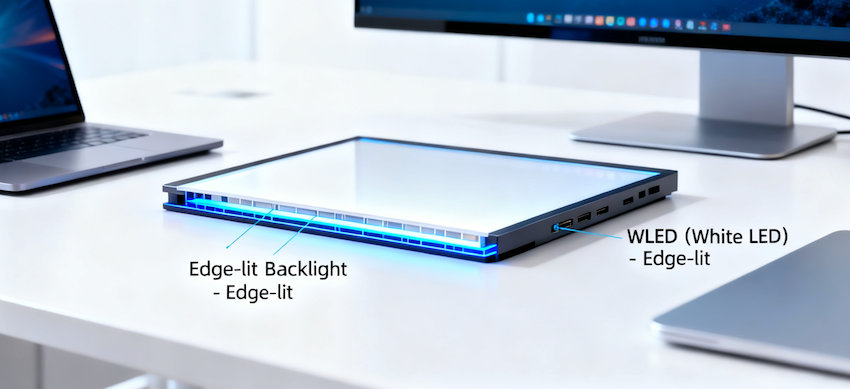
What it is: The backlight you probably have right now. Uses white LEDs placed along the edges of the screen (called edge-lit).
How it works: Light from the sides bounces through a diffuser to light up the whole screen evenly.
Pros:
Thin and light
Low power use
Long-lasting
No mercury
Affordable
Cons:
Not the best contrast (light can "bleed" a bit)
Limited color punch compared to fancier options
Verdict: The king of budget and mid-range devices - laptops, office monitors, most TVs under $800.
3. RGB LED – The Color Wizard
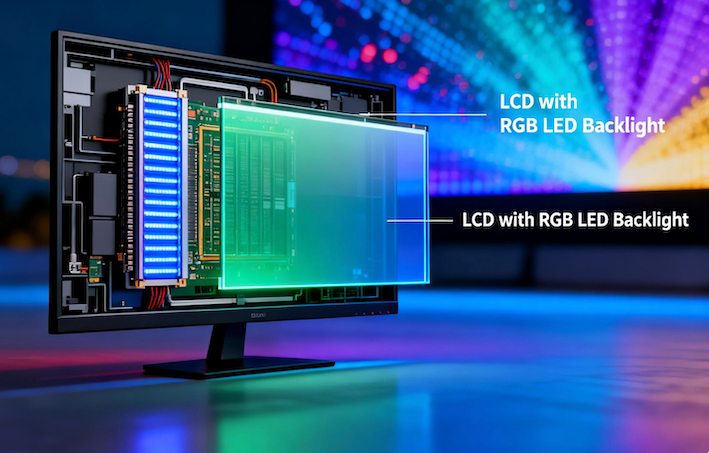
What it is: Instead of white LEDs, this uses red, green, and blue LEDs that mix to make any color.
How it works: Each color LED can be tuned independently for richer, more accurate colors.
Pros:
Insane color accuracy (100%+ NTSC gamut)
Great for photo/video editing
High brightness
Cons:
Expensive
Uses more power
Thicker panels
Verdict: Beloved by graphic designers, photographers, and anyone who needs true colors. Think Apple Studio Display or pro-grade Dell UltraSharp monitors.
4. Mini LED – The OLED Killer (Almost)
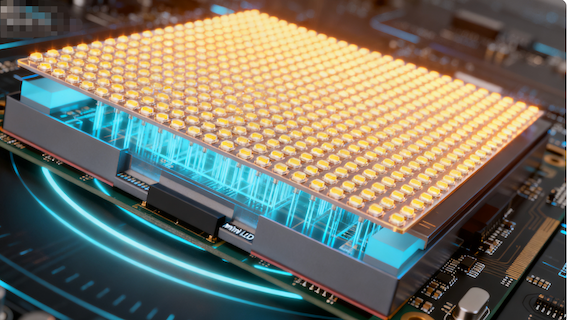
What it is: Thousands of tiny LEDs packed behind the screen, grouped into hundreds of dimming zones.
How it works: Each zone can brighten or darken independently - like mini spotlights behind the image.
Pros:
Crazy contrast (deep blacks, bright highlights)
No burn-in risk (unlike OLED)
Super high brightness (great for HDR)
Still uses LCD, so cheaper than OLED in big sizes
Cons:
More expensive than WLED
Slightly thicker
Can have minor "blooming" (light halo around bright objects)
Verdict: The hot new thing in premium TVs and tablets. Seen in iPad Pro, TCL's high-end TVs, and pro monitors. It's the closest LCD gets to OLED performance.
Quick Comparison Table
| Type | Best For | Thickness | Power Use | Color Accuracy | Cost |
|---|---|---|---|---|---|
| CCFL | Vintage gear | Thick | High | Decent | $ |
| WLED | Everyday use | Thin | Low | Good | $$ |
| RGB LED | Creative pros | Medium | Medium | Excellent | $$$$ |
| Mini LED | Movies, HDR, premium | Medium | Medium | Excellent | $$$$ |
So, Which One Should You Pick?
Buying a laptop or budget monitor? → WLED is your friend.
Editing photos or videos? → Go RGB LED if budget allows.
Want movie-theater blacks without OLED burn-in? → Mini LED is chef's kiss.
Found a 2010 monitor at a garage sale? → CCFL. Take a photo for nostalgia.
The Future? (Hint: It's Not LCD)
Just so you know - Micro LED is coming. It's self-emitting (no backlight needed), but it's insanely expensive and not in consumer LCDs yet. For now, Mini LED is the best LCD tech money can buy.


